

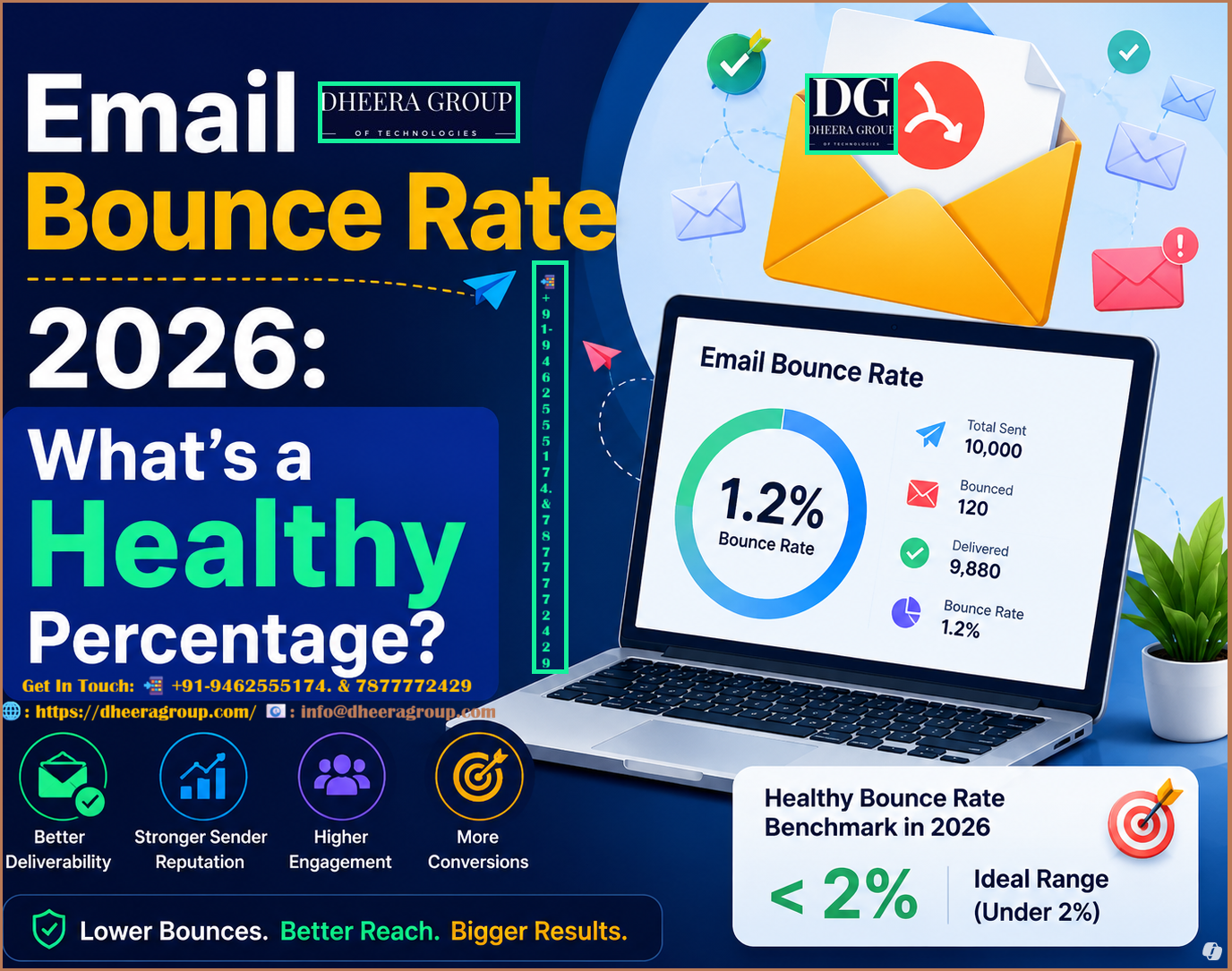

Email marketing remains one of the most effective ways for businesses to communicate with customers, generate leads, and drive conversions. But even a well-designed campaign can underperform if too many emails bounce.
Your email bounce rate is an important indicator of list quality, sender reputation, and overall email deliverability. In 2026, marketers need to pay closer attention to bounce rates because mailbox providers are becoming increasingly sophisticated at evaluating sender behavior, engagement, authentication, and recipient quality.
So, what is a healthy email bounce rate in 2026? What causes emails to bounce, and how can marketers reduce unnecessary bounces?
This guide explains everything you need to know.
What Is Email Bounce Rate?
Email bounce rate is the percentage of emails that could not be delivered to recipients.
The basic formula is:
Email Bounce Rate = (Number of Bounced Emails ÷ Total Emails Sent) × 100
For example, if you send 10,000 emails and 150 fail to reach recipients:
150 ÷ 10,000 × 100 = 1.5% bounce rate
A low bounce rate generally indicates that your email list is healthy and your sending practices are reliable.
What Is a Healthy Email Bounce Rate in 2026?
There is no single universal number that applies to every industry, email platform, or campaign. However, as a practical benchmark, marketers should generally aim for a bounce rate below 2%, with below 1% being an excellent target for a well-maintained permission-based list.
A simple way to interpret your results is:
| Bounce Rate | General Interpretation |
|---|---|
| Below 1% | Excellent |
| 1%–2% | Generally healthy |
| 2%–5% | Needs attention |
| Above 5% | High risk; investigate immediately |
| Above 10% | Serious list-quality or sending problem |
These figures should be treated as practical guidelines rather than universal industry rules. Your acceptable rate can vary depending on list source, audience, campaign type, and sending history.
Hard Bounce vs. Soft Bounce
Not all bounces mean the same thing.
Hard Bounce
A hard bounce occurs when an email cannot be delivered because the problem is considered permanent.
Common examples include:
- Invalid email address
- Nonexistent domain
- Permanently closed mailbox
- Incorrectly entered recipient address
Hard bounces are particularly important because repeatedly sending to invalid addresses can damage your sender reputation.
Best practice: Remove confirmed hard-bounce addresses from your mailing list promptly.
Soft Bounce
A soft bounce is usually temporary.
Possible causes include:
- Recipient inbox is full
- Temporary mail server problem
- Message is too large
- Receiving server is temporarily unavailable
- Temporary rate limiting
A soft bounce does not always mean the address is bad. Some email systems may retry delivery automatically.
However, repeated soft bounces should still be monitored.
Why Does Email Bounce Rate Matter?
Bounce rate is more than just a campaign statistic.
1. It Affects Deliverability
A consistently high bounce rate can signal poor list hygiene to mailbox providers. Poor sending signals can make it harder for legitimate messages to reach the inbox.
2. It Protects Sender Reputation
Sender reputation is influenced by many factors, including recipient engagement, complaints, authentication, sending patterns, and address quality.
A clean database helps establish healthier sending behavior.
3. It Improves Campaign Performance
When more emails reach valid recipients, your campaigns have more opportunities to generate:
- Opens
- Clicks
- Leads
- Sales
- Customer engagement
4. It Reduces Wasted Sending
Every invalid address consumes part of your campaign’s sending capacity without creating business value.
Removing inactive or invalid contacts can make your email program more efficient.
What Causes a High Email Bounce Rate?
Several problems can cause bounce rates to increase.
Buying Email Lists
Purchased lists often contain outdated, inactive, or invalid addresses. They may also include recipients who never gave permission to receive your messages.
Building a permission-based list is a much safer long-term strategy.
Poor List Hygiene
Email databases naturally become outdated. People change jobs, abandon old accounts, or switch email providers.
Regularly cleaning your list helps reduce unnecessary bounces.
Typographical Errors
Simple mistakes such as:
instead of:
can result in failed delivery.
Using proper validation at the point of signup can prevent many of these errors.
Sending Without Verification
If you collect email addresses from multiple sources without validation, your database may contain risky or undeliverable contacts.
Email verification can help identify potentially invalid addresses before sending.
Sudden Sending Spikes
Sending a very large volume from a new or previously inactive sending infrastructure can create deliverability challenges.
A controlled and consistent sending pattern is generally preferable.
How to Reduce Email Bounce Rate in 2026
1. Build a Permission-Based Email List
Only send marketing emails to people who have legitimately opted in.
Avoid scraped, purchased, or randomly collected databases.
Quality is more valuable than quantity.
2. Use Double Opt-In
Double opt-in asks subscribers to confirm their email address after registration.
This additional step can help prevent:
- Fake addresses
- Typographical errors
- Bot submissions
- Unwanted registrations
3. Clean Your Database Regularly
Remove addresses that repeatedly hard bounce.
Also review contacts that have remained inactive for an extended period.
A smaller, engaged database can often outperform a large database filled with inactive contacts.
4. Implement SPF, DKIM, and DMARC
Email authentication is an essential part of modern email infrastructure.
SPF helps receiving servers verify which systems are authorized to send email for your domain.
DKIM adds a cryptographic signature that helps verify message authenticity.
DMARC provides a policy framework that helps domain owners manage authentication failures and protect their domains from unauthorized use.
Proper authentication can contribute to stronger email trust and deliverability.
5. Monitor Bounce Trends
Don’t look at bounce rate only once.
Track it across campaigns and compare:
- Campaign type
- Audience segment
- Sending domain
- Sending infrastructure
- Geographic region
- Acquisition source
A sudden increase may indicate a list-quality or infrastructure problem.
6. Segment Your Audience
Sending relevant content to carefully selected audiences can improve engagement.
For example, you could segment subscribers based on:
- Purchase history
- Location
- Website activity
- Previous campaign engagement
- Product interest
Better segmentation can reduce disengagement and improve overall campaign quality.
7. Use Email Validation
Email validation tools can identify potentially problematic addresses before they enter your active campaign database.
For high-volume marketers, validation can be particularly useful when collecting leads through forms, landing pages, events, or multiple acquisition channels.
Bounce Rate vs. Other Email Metrics
Bounce rate should not be analyzed alone.
A strong email marketing dashboard should also monitor:
Delivery Rate: Percentage of sent emails successfully delivered.
Open Rate: Percentage of delivered emails that are opened, where measurable.
Click-Through Rate: Percentage of recipients who click links within the email.
Unsubscribe Rate: Percentage of recipients who opt out.
Spam Complaint Rate: Percentage of recipients who report messages as spam.
Conversion Rate: Percentage of recipients who complete your desired action.
Looking at these metrics together gives marketers a more complete picture of campaign health.
What Should You Do If Your Bounce Rate Is Above 5%?
If your bounce rate suddenly rises above your normal level, don’t simply continue sending at the same volume.
Start with an investigation.
Step 1: Check Your Bounce Reports
Determine whether the majority of failures are hard or soft bounces.
Step 2: Review Your List Source
Ask where the problematic addresses came from.
Were they collected through your website, purchased, imported from an old database, or obtained from another source?
Step 3: Remove Permanent Failures
Suppress confirmed invalid addresses from future campaigns.
Step 4: Verify Your Authentication
Review your SPF, DKIM, and DMARC configuration.
Step 5: Review Sending Patterns
Look for sudden volume increases, unusual traffic, or campaigns sent to old inactive segments.
Step 6: Monitor the Next Campaign
After making corrections, send to a smaller, engaged segment first and carefully monitor delivery performance.
Email Bounce Rate Best Practices for 2026
For marketers managing email campaigns at scale, these practices can help maintain healthier sending performance:
- Maintain a permission-based database.
- Remove hard-bounced addresses quickly.
- Monitor soft bounces for repeated failures.
- Use email verification where appropriate.
- Authenticate your sending domain.
- Keep SPF, DKIM, and DMARC correctly configured.
- Avoid purchased email databases.
- Introduce new subscribers through controlled onboarding.
- Monitor spam complaints and unsubscribes.
- Segment inactive and highly engaged subscribers.
- Track bounce trends instead of relying on one campaign.
- Keep your sending infrastructure consistent.
- Focus on recipient engagement and content relevance.
The Role of SMTP Infrastructure
Your email infrastructure also matters when sending campaigns at scale.
A properly configured SMTP server helps applications and email marketing platforms transmit messages to receiving mail servers.
For businesses with substantial email volumes, it is important to pay attention to:
- Server configuration
- Authentication
- IP reputation
- Domain reputation
- Sending volume
- Bounce processing
- Feedback handling
- Rate management
- Monitoring and analytics
However, simply changing SMTP servers will not solve a poor-quality email list. Good infrastructure works best when combined with responsible list management and authentication.
Final Thoughts
A healthy email bounce rate in 2026 is generally below 2%, with below 1% being an excellent practical target for many permission-based email programs.
But the number alone does not tell the complete story.
Marketers should investigate the reason behind every significant change in bounce rate. A sudden increase may indicate outdated contacts, poor data collection, authentication problems, infrastructure issues, or changes in sending behavior.
The most successful email programs focus on list quality, authentication, responsible sending, engagement, and continuous monitoring.
Instead of trying to send to the largest possible audience, focus on reaching the right recipients with accurate email addresses and relevant content. A clean database and disciplined sending strategy can improve deliverability, protect sender reputation, and help your email campaigns generate better results throughout 2026.
Looking to improve your email campaign performance? A reliable SMTP and email marketing setup, combined with strong list hygiene and authentication practices, can provide the foundation for scalable and responsible email communication.
FAQ: Email Bounce Rate 2026
1. What is a good email bounce rate in 2026?
A bounce rate below 2% is generally considered a healthy practical target, while below 1% is an excellent result for a well-maintained, permission-based email list.
2. What is email bounce rate?
Email bounce rate is the percentage of sent emails that could not be delivered to the recipient’s mailbox.
3. What causes a high email bounce rate?
Common causes include invalid email addresses, outdated lists, full inboxes, domain problems, temporary server failures, poor list collection practices, and sending to unverified contacts.
4. What is the difference between a hard bounce and a soft bounce?
A hard bounce is usually caused by a permanent delivery problem, such as an invalid email address. A soft bounce is generally temporary, such as a full inbox or temporary receiving-server issue.
5. How can I reduce my email bounce rate?
Use permission-based lists, regularly remove invalid addresses, verify new contacts, monitor bounce reports, authenticate your domain with SPF, DKIM, and DMARC, and avoid purchased email lists.
6. Is a 5% email bounce rate too high?
A 5% bounce rate is high and should be investigated. Review your list quality, bounce types, email collection methods, authentication, and sending practices before continuing high-volume campaigns.
7. Does bounce rate affect email deliverability?
Yes. Consistently high bounce rates can indicate poor recipient-data quality and may negatively affect your overall sending reputation and deliverability.
8. How often should I clean my email list?
Review your email database regularly and immediately suppress confirmed hard bounces. For active email programs, ongoing list hygiene is better than waiting for a large problem to develop.
9. Can email verification reduce bounce rates?
Yes. Email verification can help identify potentially invalid or risky addresses before they are added to campaigns, helping improve list quality.
10. How do I calculate email bounce rate?
Use this formula:
Bounce Rate = (Bounced Emails ÷ Total Emails Sent) × 100
For example, 100 bounces from 10,000 sent emails equals a 1% bounce rate.